













Description

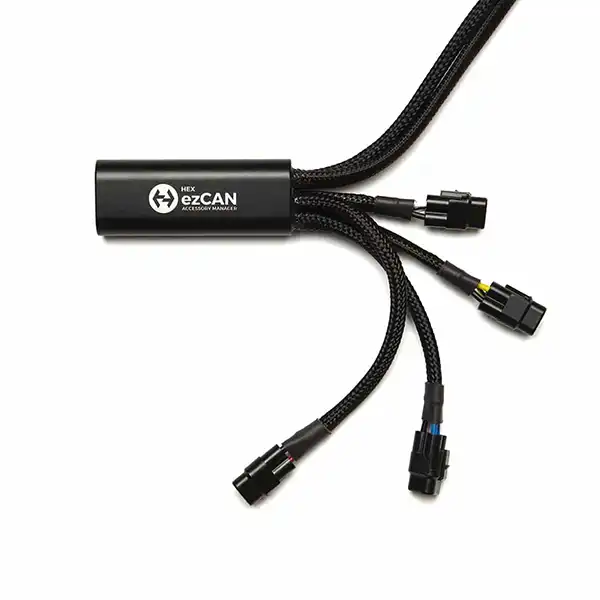
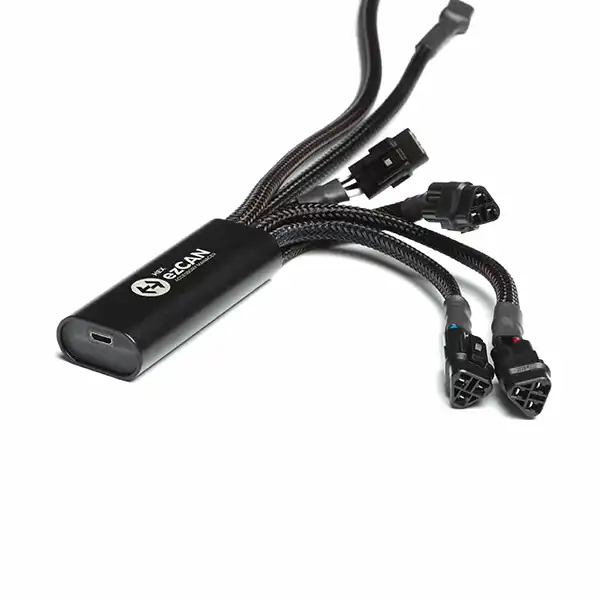
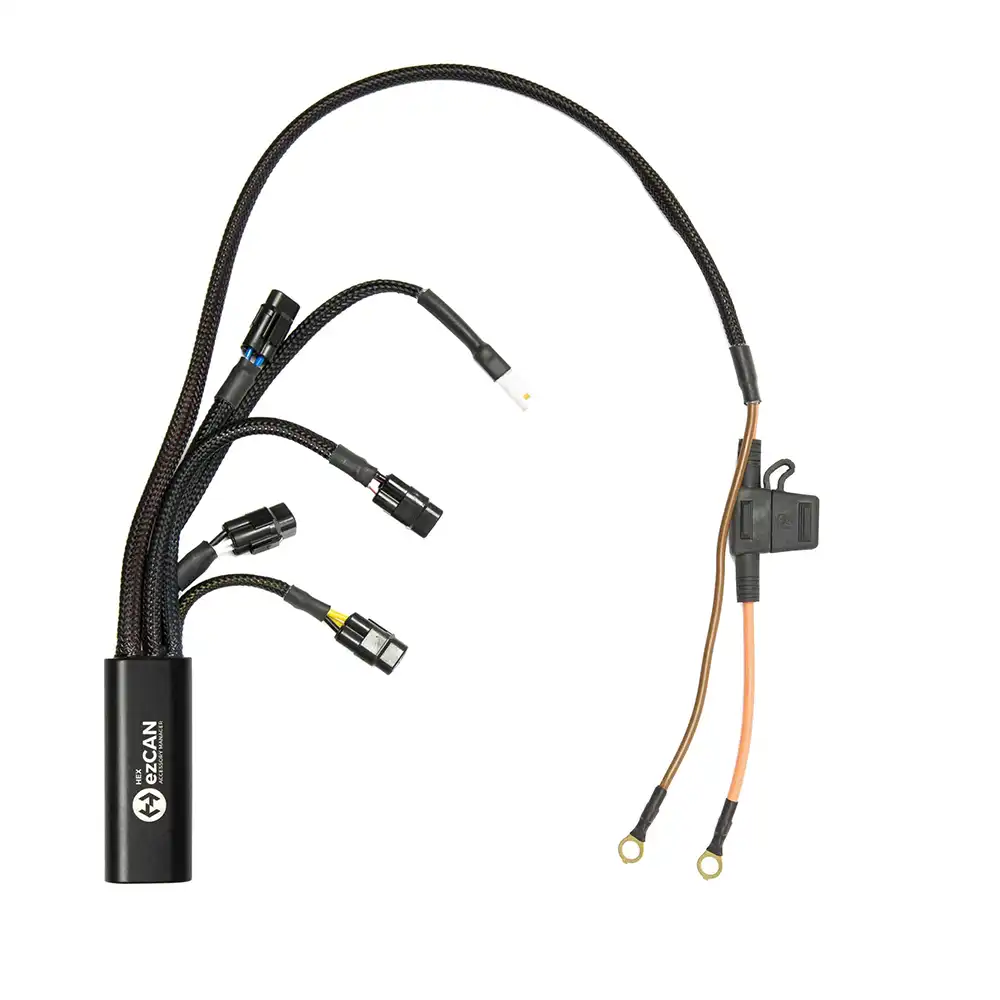
HEX ezCAN Tagus for Triumph Bikes
YOUR BIKE. YOUR RULES. YOUR SAFETY.
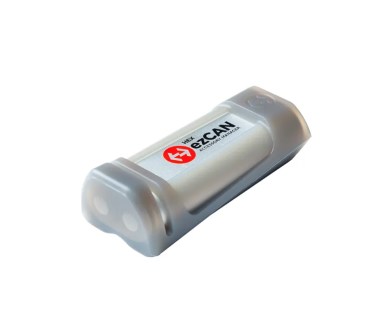
The ezCAN plugs directly into your Triumph and listens to CAN-bus. It provides you with a highly configurable, seamless plug and play solution to add accessories to your bike without the need to cut any wires that could void your warranty!
The power to manage your accessories safely.
The HEX ezCAN accessory manager lets you add and configure accessories with ease and without cutting any wires. It’s simple and easy to fit:
- Auxiliary lights
- SoundBomb / Horn
- Power your SAT Nav and/or smartphone
- Auxiliary rear brake lights
Customise your bike and make it safer to ride.
KEY FEATURES.
- One device manages everything
- Integrated control
- Integrates additional safety features
- Does not void warranty
- Plugs directly into CAN-Bus (saves installation time and wiring complexity)
- Unobtrusive – fits perfectly under the seat
- Easy configuration of software via USB (Mac and Windows PC)
- Four individually electronically fused channels
- Waterproof and dust-proof
This is the HEX ezCAN Accessory Manager for Triumph Bikes. Customise your bike and make it safer to ride.
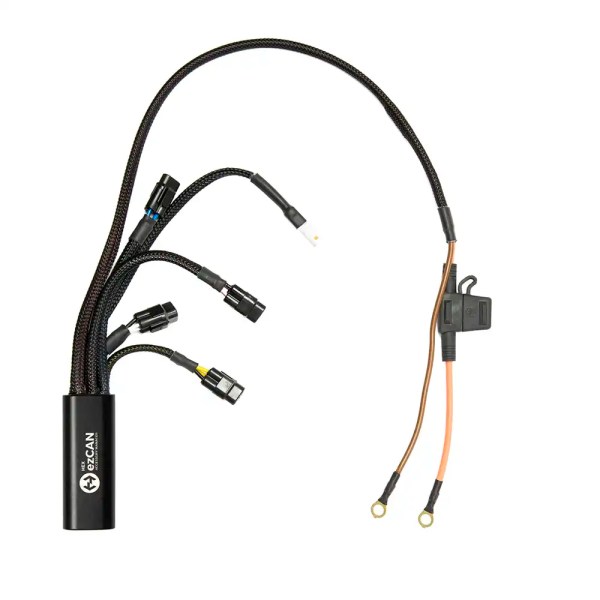
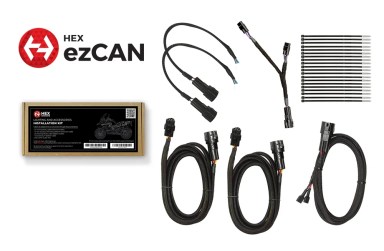
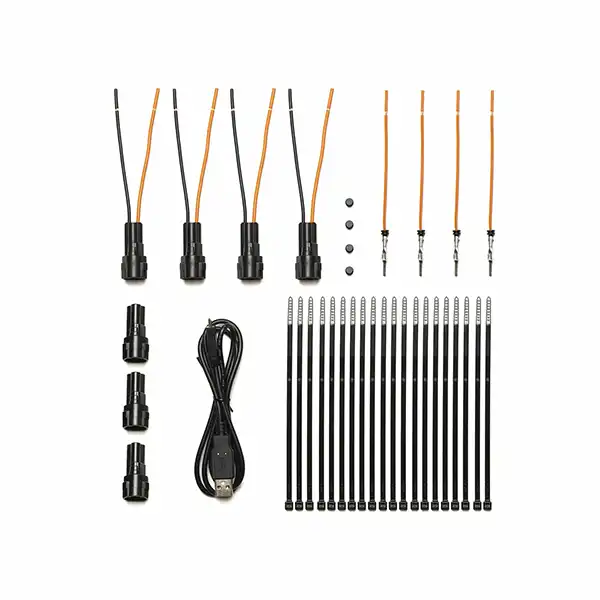
What’s in the box:
- 1x HEX ezCAN Tagus Device
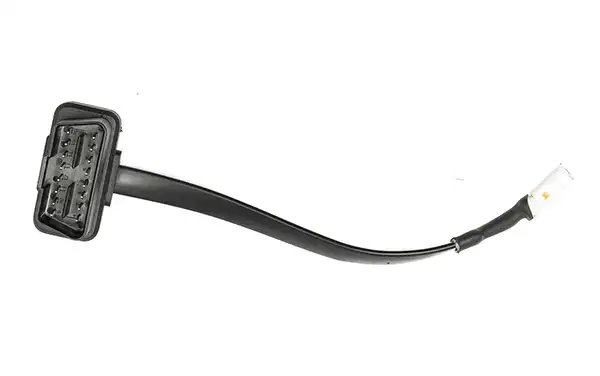
- 1x OBDII JWPF Adapter Cable
- 1x Universal Splitter Cable (for use if the Triumph Tiger has the Bluetooth module)
- 1x HEX Rubber Plug
- 1x Micro USB to USB A and C Cable
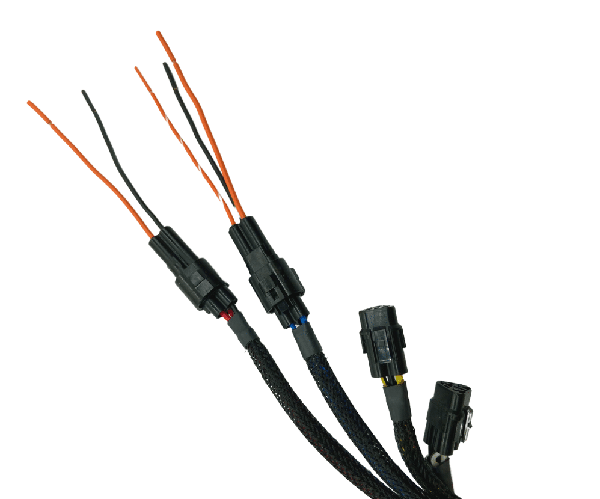
- 4x 2-wire Male stubs
- 4x 1-wire terminated.
- 4x Blanking seals
- 3x Blanking Plugs
- 20x Cable Ties
This HEX ezCAN will work on the following bike models:
- Tiger 900
- Tiger 900 GT
- Tiger 900 GT Low
- Tiger 900 GT Pro
- Tiger 900 Rally
- Tiger 900 Rally Pro
- Tiger 1200 GT (2022+)
- Tiger 1200 GT Pro (2022+)
- Tiger 1200 GT Explorer (2022+)
- Tiger 1200 Rally Pro (2022+)
- Tiger 1200 Rally Explorer(2022+)
EASY INSTALLATION.
(follow this Link for install guide)
- Download and install the configuration software
- Install the ezCAN under the seat or side panel
- Route and connect the ezCAN battery cables
- Route and plug the ezCAN into the motorcycle CAN-bus
- Plug accessories into the ezCAN and configure via USB (Mac or Windows PC)
NOTE: If you are planning on installing auxiliary lights and / or a Denali SoundBomb Horn, please add the EXTENSION HARNESS KIT.